
Introduction
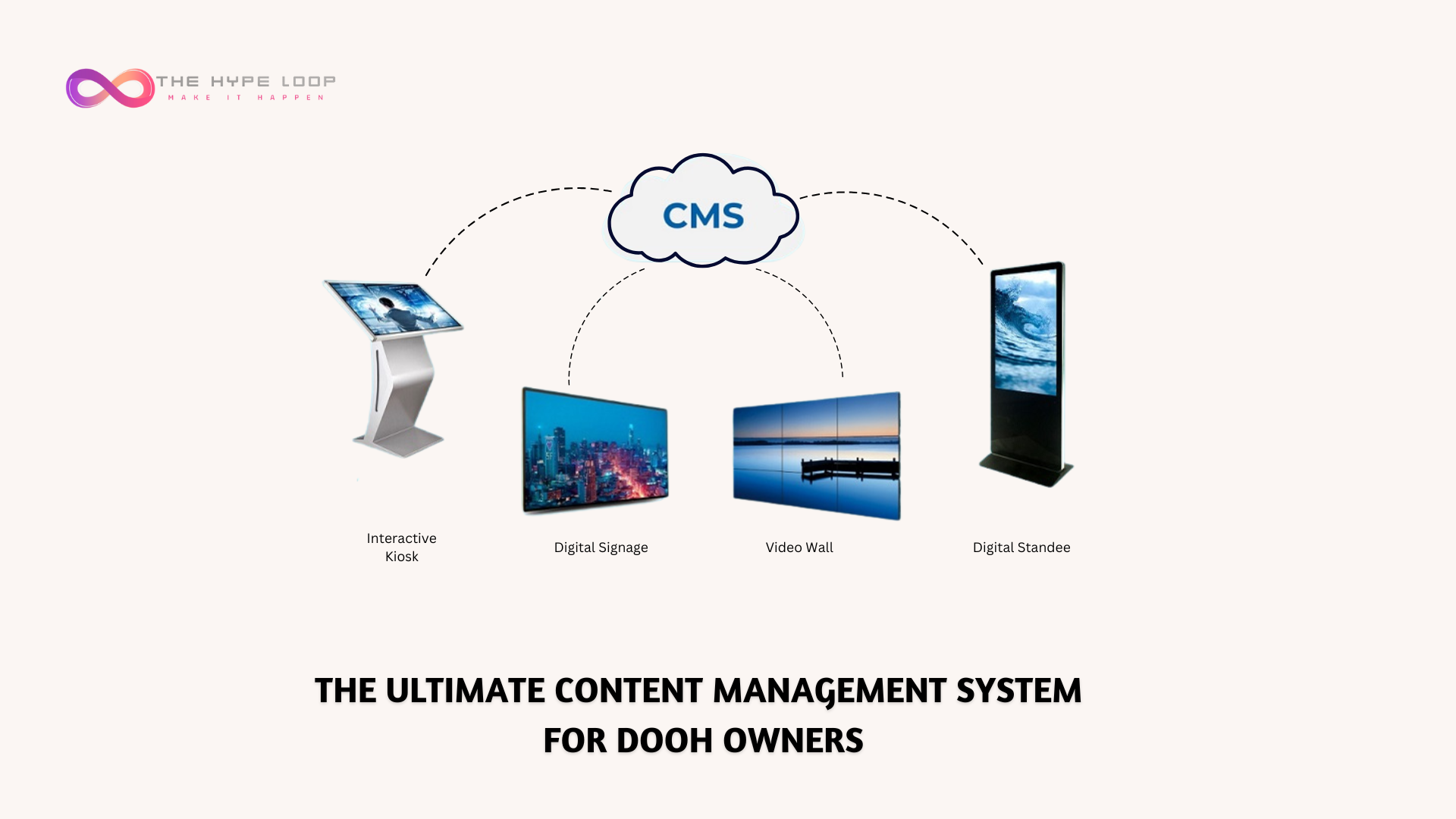
The Hype Loop is launching a Free Content Management System (CMS) for DOOH screen owners globally, designed to simplify content management for shop owners, restaurants, retail stores, and event organizers. With cloud-based control, automated scheduling, and zero cost, The Hype Loop's free DOOH CMS makes managing your screens easier than ever.
Key Features of The Hype Loop Free CMS
The Hype Loop CMS is packed with powerful features that let businesses take full control of their screens:
- Looping Content: Schedule and play ads, promotions, and videos seamlessly.
- Cloud-Based Management: Upload and update content from anywhere—no USBs required.
- Easy Scheduling: Set up a content playlist and let it run automatically.
- Scalability: Manage one screen or a network of screens effortlessly.
- User-Friendly Interface: No technical expertise needed—just upload, schedule, and go!
- Centralized Control for Multiple Screens: Upload and schedule content across a network of 100+ screens instantly, ensuring seamless synchronization and efficiency.
- Real-Time Reporting & Dashboard: Stay in control with detailed reports on screen status, content playback, and performance data.
Benefits of Using The Hype Loop CMS for DOOH
Many businesses struggle with manually updating digital displays, relying on USBs or outdated systems. The Hype Loop CMS solves these challenges by offering:
✅ Cost Savings: A completely free solution—no hidden fees or subscriptions.
✅ Time Efficiency: Automate content updates instead of changing posters manually.
✅ Flexibility: Control screens remotely, perfect for multi-location businesses.
✅ Professional Appeal: Keep displays fresh and engaging with real-time updates.
Who Can Benefit from The Hype Loop CMS for DOOH?
The Hype Loop's Free CMS is ideal for various industries, including:
- Retail Stores: Display promotions, discounts, and product highlights.
- Restaurants & Cafés: Update menus, daily specials, and event promotions.
- Salons & Spas: Showcase services, offers, and customer testimonials.
- Corporate Offices: Share internal announcements and company updates.
- Event Venues & Malls: Display schedules, sponsors, and real-time information.
How to Get Started with The Hype Loop CMS
Getting started is simple! Here’s how you can set up and use The Hype Loop's Free CMS for your screens:
- Register: Sign up on the The Hype Loop platform.
- Add Screens: Enter your screen details in the dashboard.
- Install the The Hype Loop Screen App: Download the app on your screen.
- Sync Your Screen: Use the mobile app to scan and sync your display.
- Upload & Schedule Content: Add images, videos, or ads and set a schedule.
- Go Live: Your content will play automatically based on your schedule.
Start Using The Hype Loop CMS Today!
Take full control of your digital screens without any cost. Sign up for The Hype Loop's Free CMS and start managing your content effortlessly. No more USBs, no more manual updates—just a simple, powerful solution for your business.
Sign Up